
- Valid for
I lost access to my authentication method
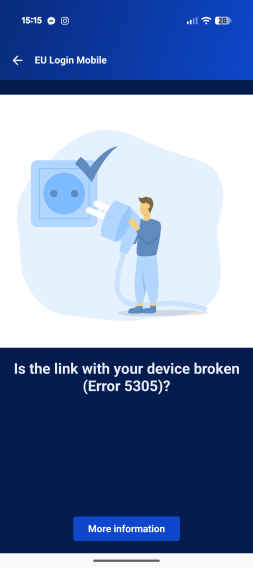
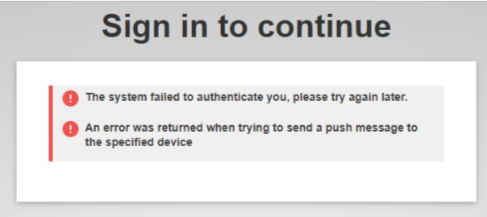
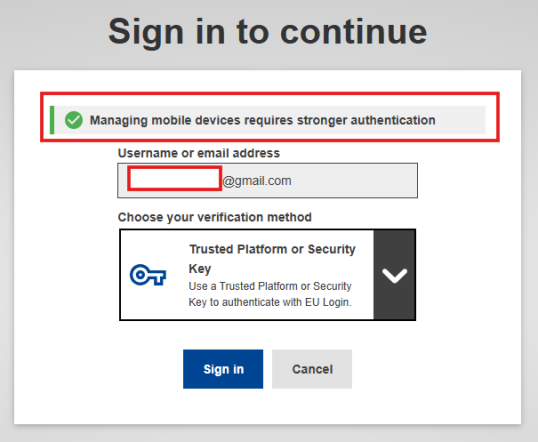
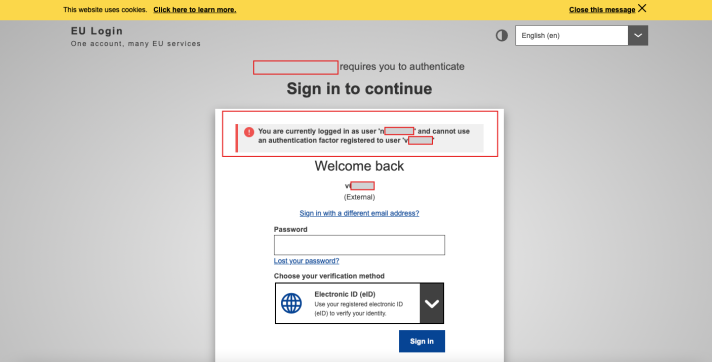
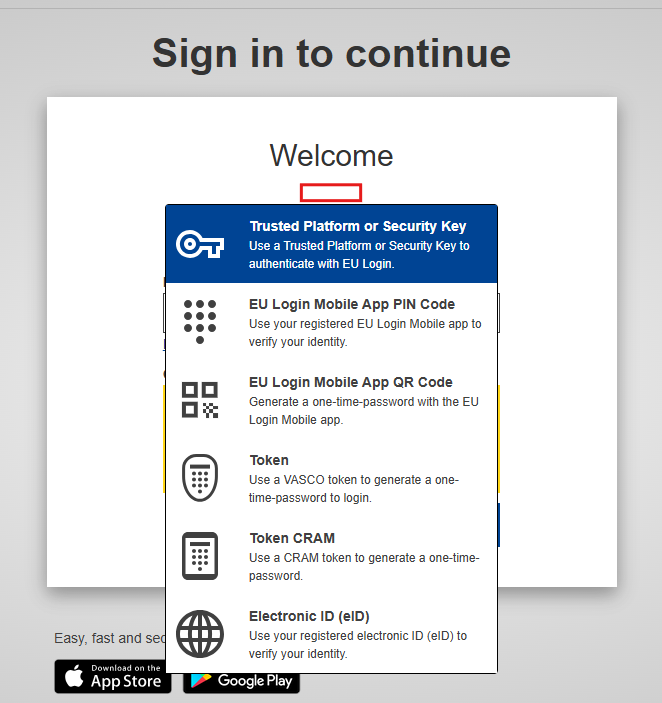
If you have lost access to your authentication method and are faced with this screen, please follow the instructions here to remove your previous authentication option: Remove authentication methods process.
 |
 |
 |
I tried to reset my password, but I have not received the email
If you have not received the password reset email, please follow this process: Reset password email.

I cannot see the “Password” option in the verification methods
There are two reasons why the password option is not available on the authentication dropdown menu:
If you are trying to enter an application protected by EU Login and the password option is not available, please visit: No Password Option.
- If you are trying to access the page https://webgate.ec.europa.eu/cas/userdata/myAccount.cgi and the password option is not available from the authentication dropdown menu, then you have enabled the "Always require multi-factor authentication" option for your account. With this option on, you will always have to use multi-factor authentication. If you have lost access to your authentication method, you will be completely locked out and you will need to contact the support team from the email below. This is why we advise to have more than one authentication method: Multiple Authentication Options.
If you cannot find a solution among the most common issues listed above, please check the remaining troubleshooting articles
Please first ensure that you are using an external account by following the instructions on this page: External self-registered account FAQ - EU Login Portal - European Union.
If you encounter an EU Login App error, please follow the instructions below: EU Login App Errors.
If you still cannot find a solution to your issue
You can contact us at: EU-LOGIN-EXTERNAL-SUPPORT ec [dot] europa [dot] eu (EU-LOGIN-EXTERNAL-SUPPORT[at]ec[dot]europa[dot]eu)