
Quick fixes
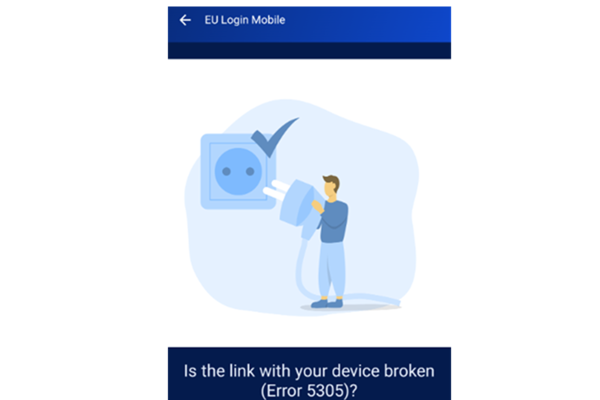
New phone, broken device or app removed? Remove your old methods and set up new ones.
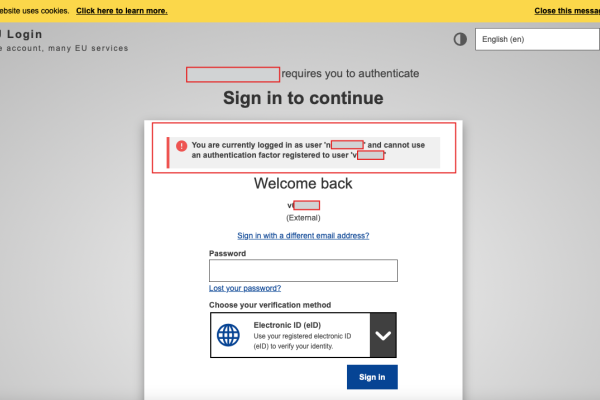
Your authentication method is registered to a different EU Login account. Follow the reconciliation process.
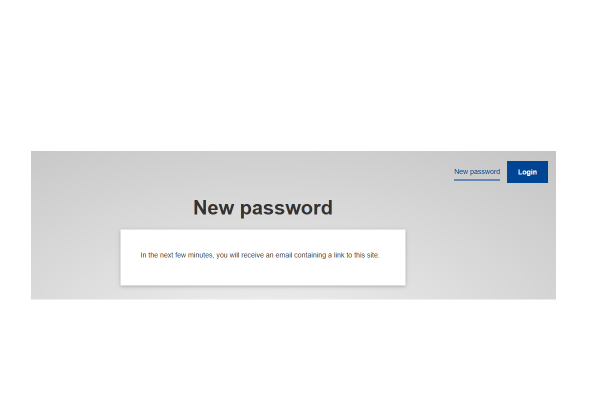
The email can take up to 20 minutes to arrive. Check the common reasons and what to do.
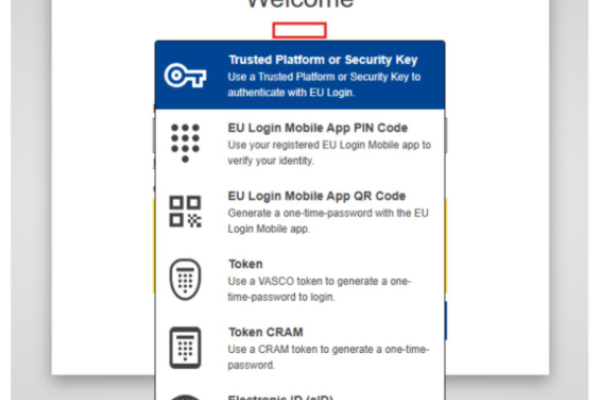
The application requires multi-factor authentication, or your account is set to always require it.
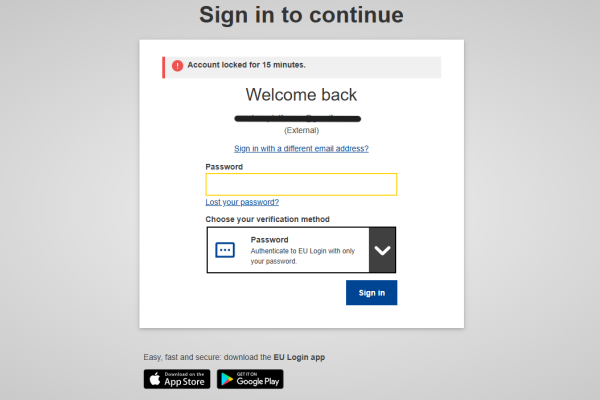
Too many wrong passwords in a row lock the account for a while. See why and when it unlocks.
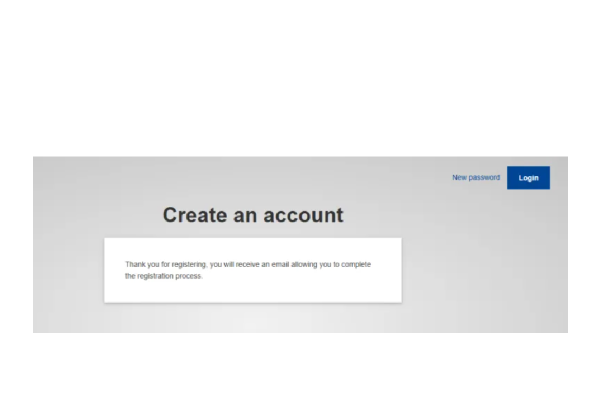
The activation link is valid for 24 hours. Request a new password to receive a new one.
Quick answers
I have a new phone or reinstalled the app. What now?
Remove the old device from your EU Login account first, then link the app on your new phone. See how to remove your old verification methods.
How long does the password reset email take to arrive?
It can take up to 20 minutes. Check your spam or junk folder before requesting a new one.
How long is the account activation link valid?
24 hours. If it has expired, request a new password: you will receive a new email to activate your account.
My account is locked. What can I do?
Too many incorrect passwords in a row lock your account for a while. During that time you cannot sign in or reset your password, so wait and try again later.
Why can't I choose "Password" to sign in?
Some applications require multi-factor authentication. Choose another verification method, such as the EU Login mobile app, a security key or a passkey.
I forgot my password and can no longer access my email address.
You cannot recover that account. Create a new EU Login account with another email address.
I can sign in, but I can't find my application.
EU Login only confirms who you are. Go to your application's own web address to use it.
How 2-factor authentication works
Watch this short video to see how EU Login asks you to confirm it is really you, and why a second verification method keeps your account safe.