
- Valid for
If needed by a client application, users may rely on EU Login to sign a transaction using password and a second factor.
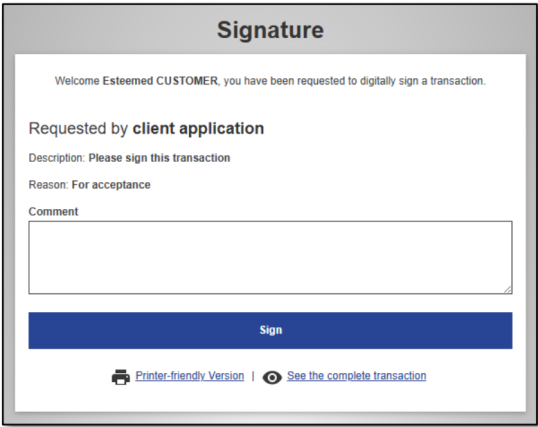
First, please review the information displayed.
Then, if asked, type in a comment. Providing a comment may be optional, mandatory or not needed at all, depending on the application that requested the signature.
Click on “Sign” to proceed.
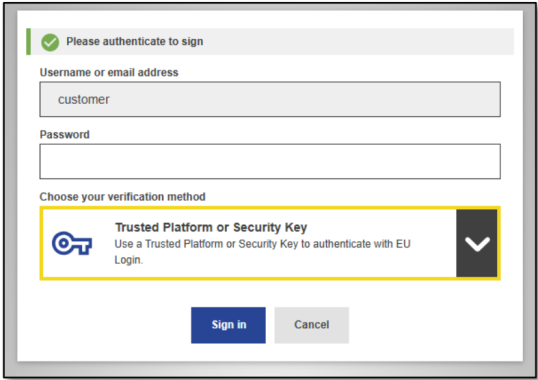
Choose a second factor to “re-authenticate” for signing. N.B. The dropdown will only present the second factors that are accepted by the client application.
Click on “Sign in” and follow the authentication process.
When done, you will be automatically taken back to the application which requested the signature.