How to sign in
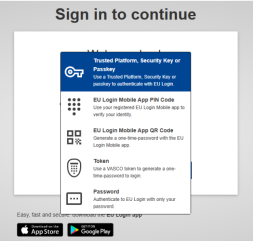
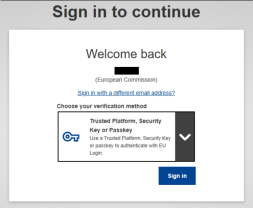
1. Select "Trusted Platform, security key or passkey" as verification method.
 |
 |
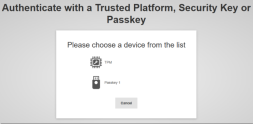
2. Click on the name of the desired Trusted Platform or security key from the list of registered devices.
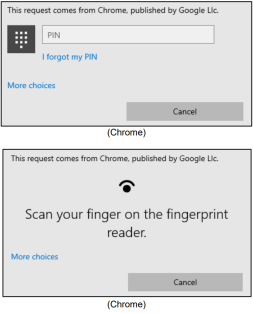
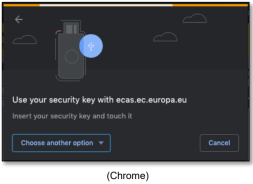
3. Carefully follow the steps displayed by your browser on screen.
Note: what you see may differ from these screens, depending on which browser or operating system you are using.
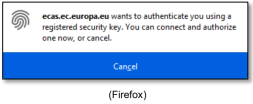
4. When using a security key, you will be requested to confirm by touching a button on the key itself (which may blink to draw your attention).
5. For a Trusted Platform using Windows Hello, follow the suggested steps (verify via a PIN Code or a biometric).